

Agriculture · Reporting workflows
Grape Crush
Turns a grape crusher’s existing records into a clean, checked report.
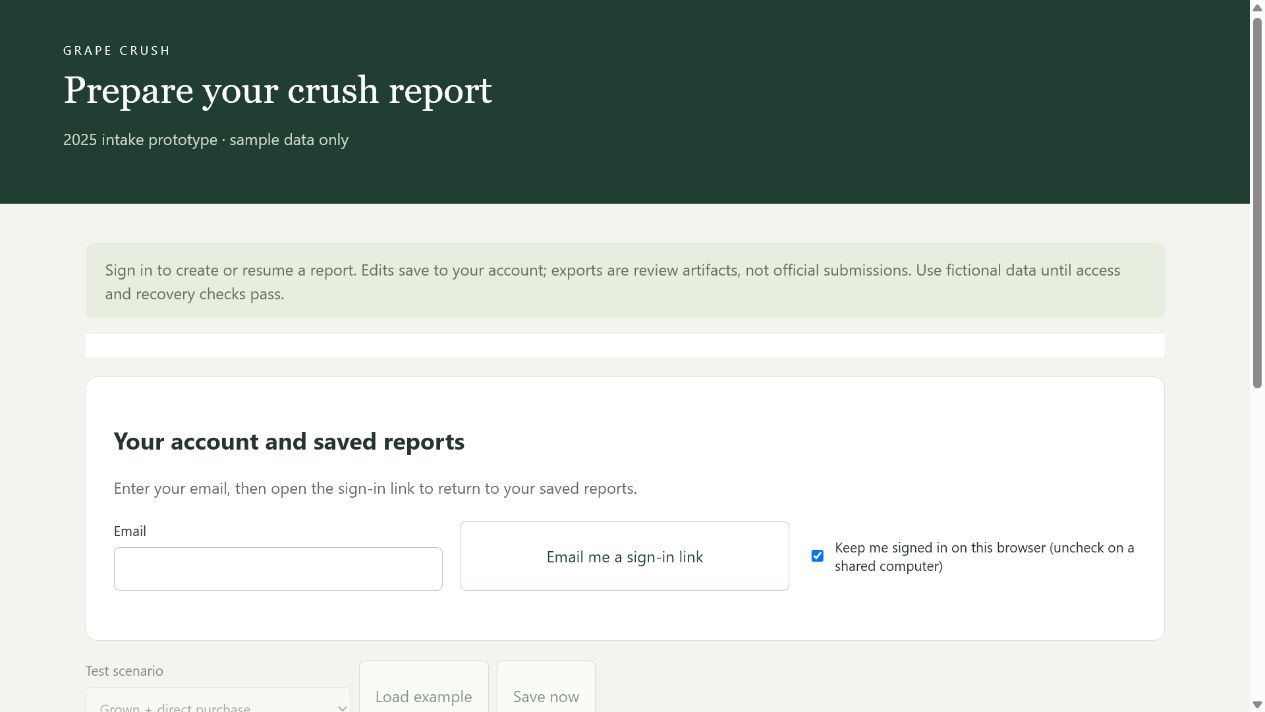
Public pilot entry screen, where users sign in and start a report.
Most of what a crush report asks for already lives in a crusher’s own spreadsheets. Grape Crush maps those rows to the form and checks them before export.
The problem
A required form nobody wants to fill out.
Grape crushers have to file a detailed crush report, and the form is easy to put off and easy to get wrong. It combines transaction types, grape varieties, districts, tonnage, prices, and conditional reporting rules. Most of that information already lives in the business’s own spreadsheets; the work is mapping those records to what the form requires.
What we built
From rows to a reviewable workbook.
- 01Understand the reporting routeGuide the user through the relevant transaction categories and required information.
- 02Bring in existing rowsPaste spreadsheet data, match columns, and inspect entries that need attention.
- 03Validate and reviewCheck varieties and required fields, with inline messages and links back to the affected entry.
- 04ExportGenerate workbook and review outputs aligned to the selected reporting year.
Where it stands
A working pilot.
The pilot works today: paste in records, fix the entries it flags, and export a workbook based on 2025 reporting materials. It has not yet been used for an official filing.
Development notes · October 2026
No customer pilot results or measured time savings are established. Official filing acceptance and an update for a later reporting year still require confirmation.