

Conservation · Planning tools
Miradi Converter
Pulls conservation information out of written plans and organizes it for Miradi, with a person checking each step.
Explore Miradi Converter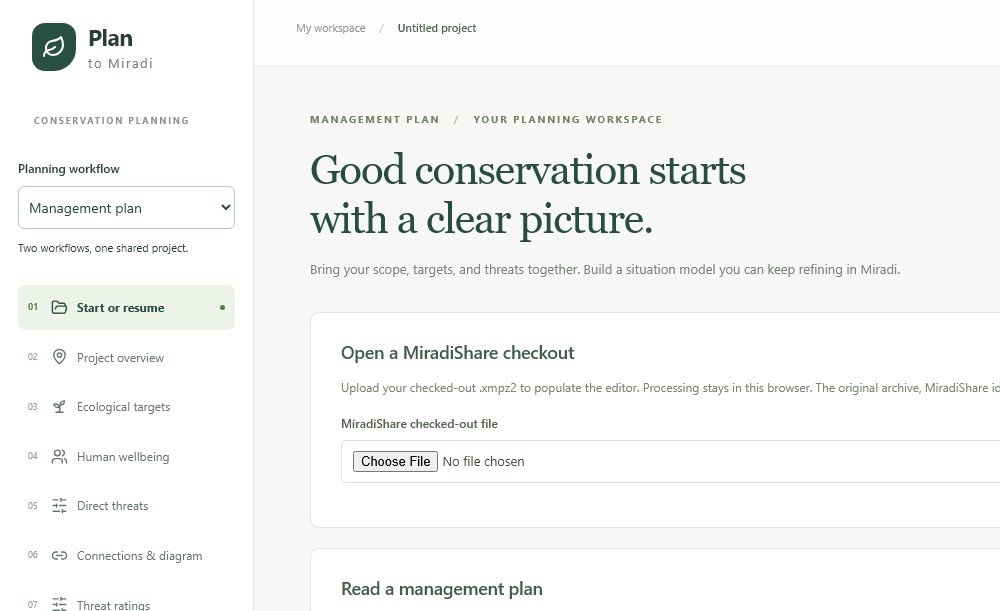
The converter’s planning workspace, from project overview through targets, threats, and ratings.
Moving an existing conservation plan into Miradi can mean a lot of retyping. The converter extracts the plan’s information and helps place it in a structured project.
The problem
How does an existing plan become a conservation project?
Miradi is open-source adaptive management software that conservation practitioners use to design, manage, monitor, and learn from projects. Moving existing work into a structured project can involve a lot of repeated data entry: translating a plan’s content and entering it in the right places.
The idea started with Eliot’s own coursework. Working through the Arroyo Hondo Watershed assignment for Conservation Project Design and Evaluation made the repeated entry hard to ignore.
How it works
From a written plan to a structured project.
- 1 · The planManagement plan…protect the coastal wetland……invasive plants are spreading……restore native vegetation…
- 2 · Extracted
- TargetCoastal wetland
- ThreatInvasive plants
- StrategyRestore native vegetation
AI suggests each item. A person checks it.
- 3 · Miradi projectRestore native vegetationInvasive plantsCoastal wetland
Illustrative example, not taken from a specific plan.
What we built
A converter that starts with the plan.
- 01Bring in existing informationStart with a management plan, or an assignment worksheet, and extract the relevant conservation information.
- 02Organize the structurePlace the extracted information in the project, then check the relationships between its parts.
- 03Check the resultReview the content, relationships, and output before it goes into Miradi.
- 04ExportProduce a project file that can be opened and refined in Miradi.
Conservation targets
What a conservation project is for.
A Miradi project starts by naming its targets: the species and habitats it exists to sustain. Every plan the converter reads is, in the end, about places and animals like these.

Whale at the surfaceCoast & ocean 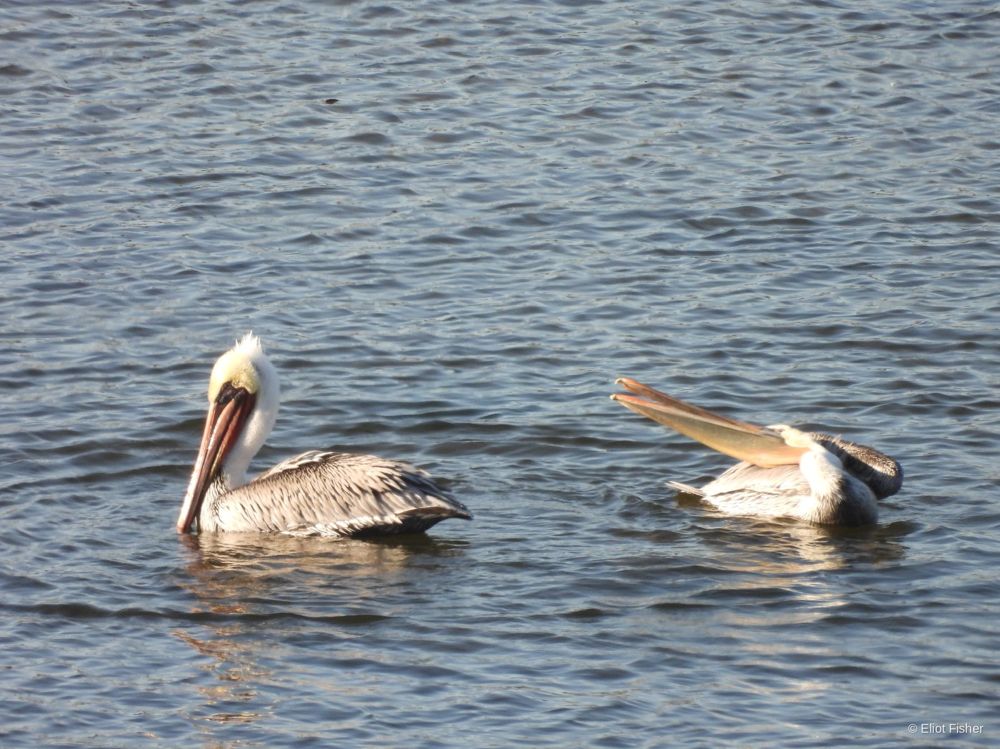
Brown pelicansCoast & ocean 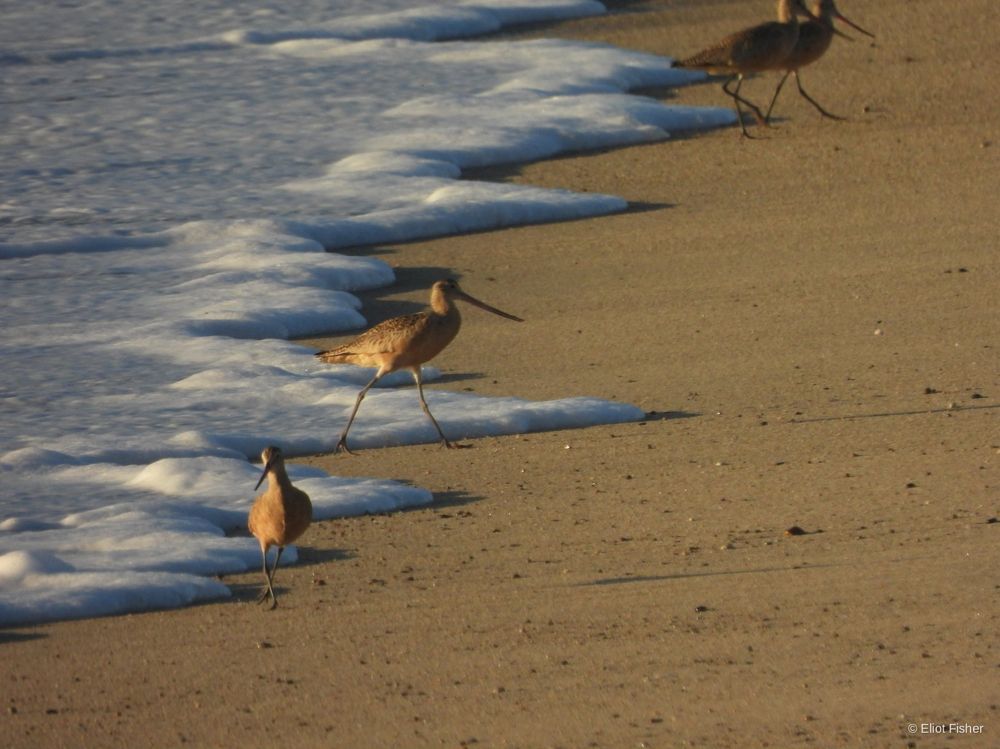
Marbled godwitsCoast & ocean 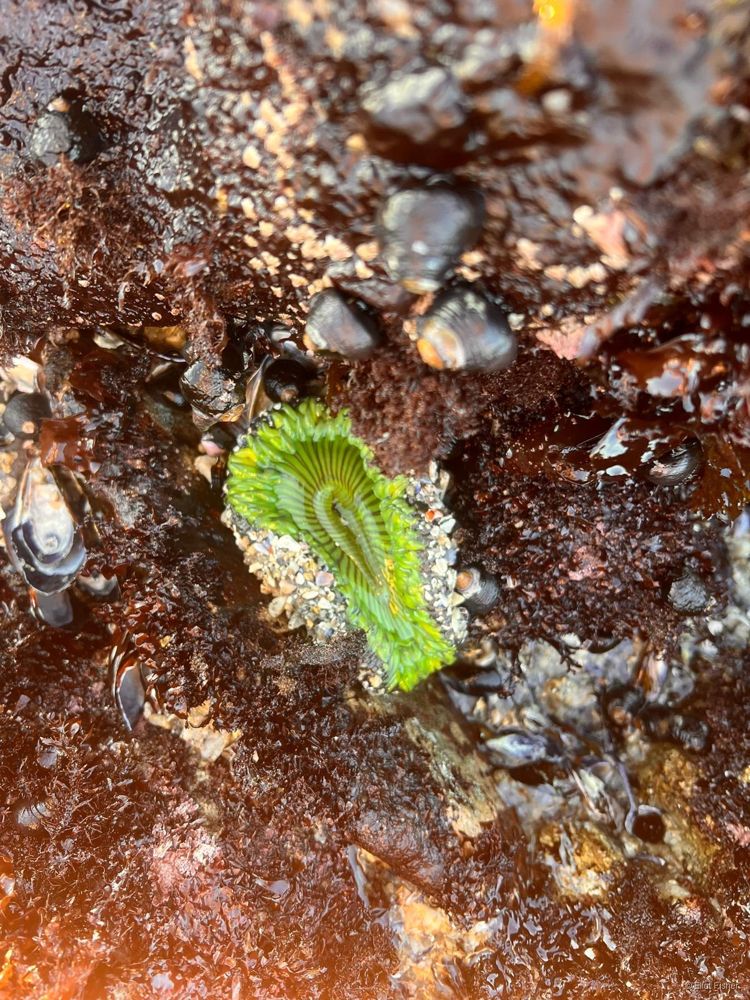
Green anemoneCoast & ocean 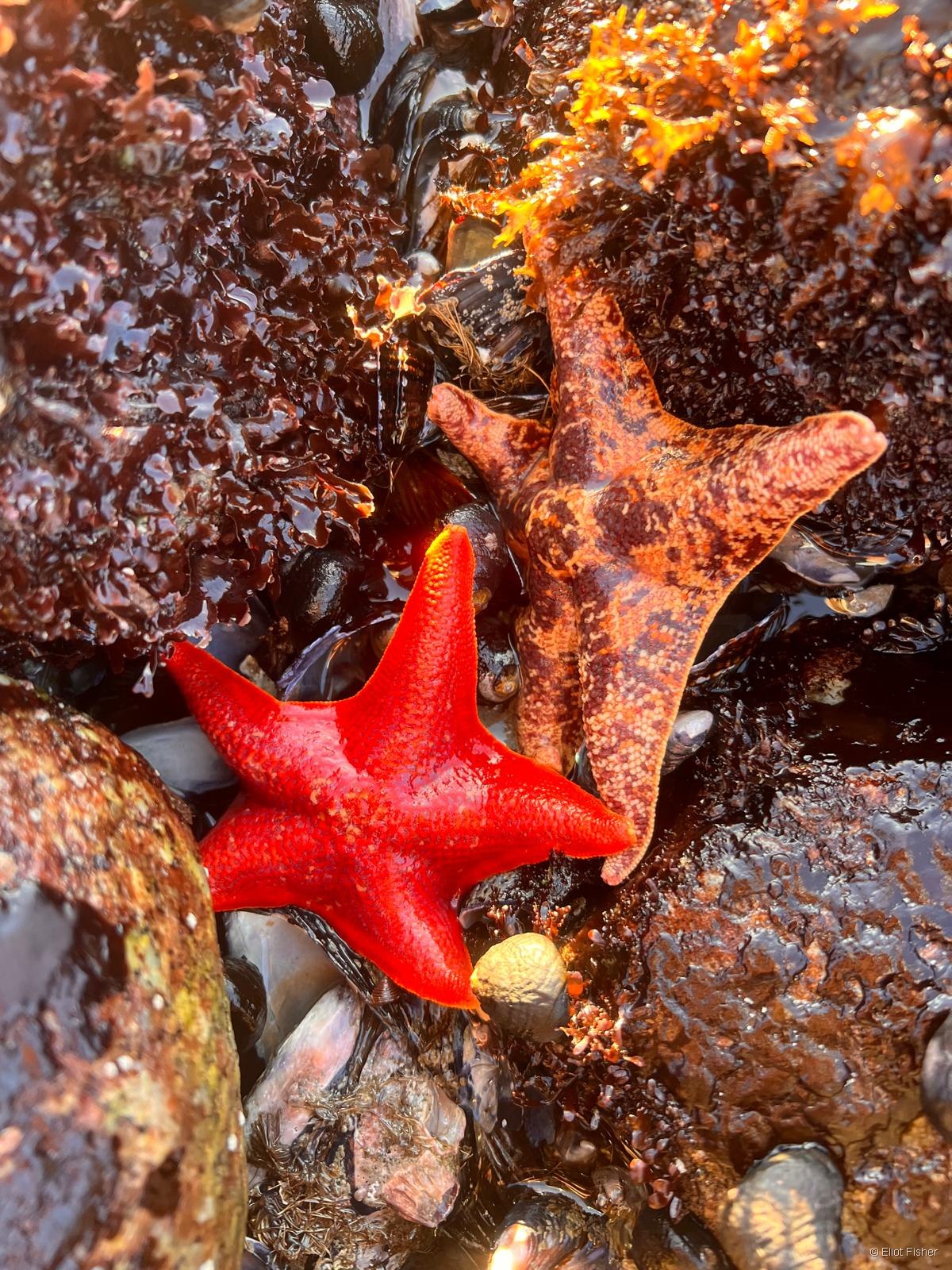
Sea starsCoast & ocean 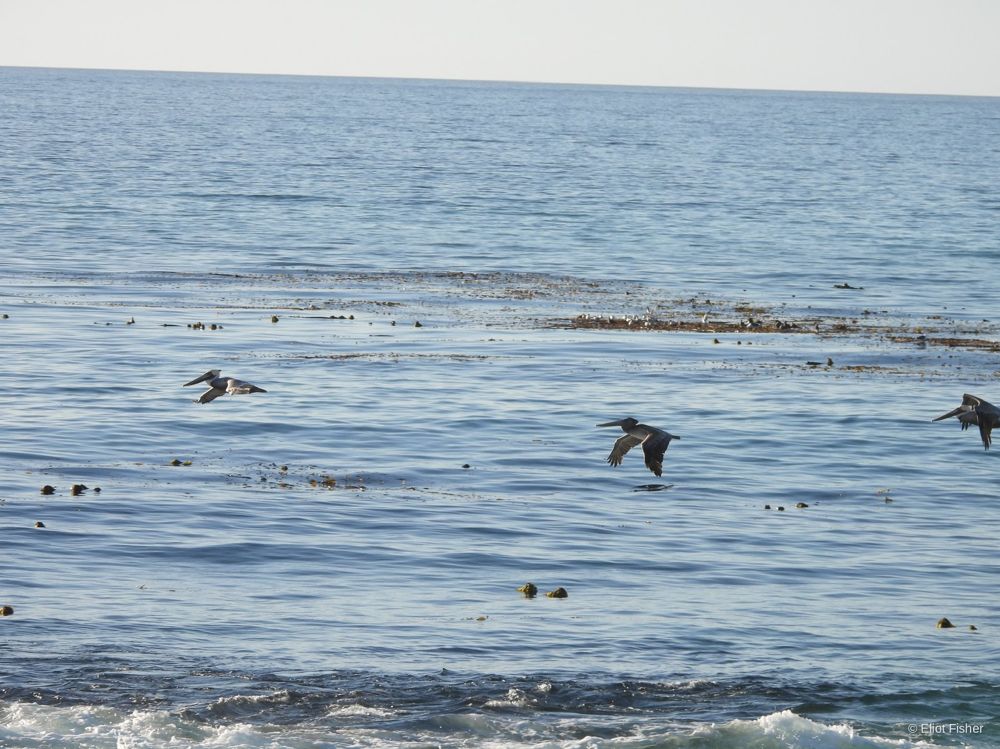
Pelicans over kelpCoast & ocean 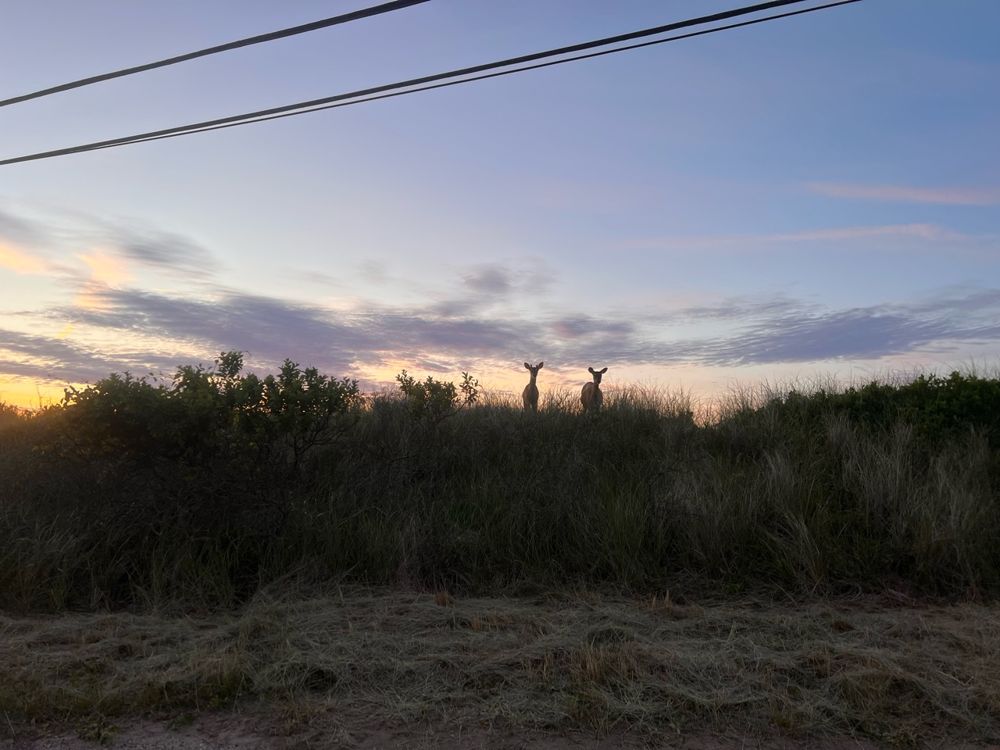
Deer on the dunesCoast & ocean 
Gambel’s quailDesert 
Cactus wrenDesert 
PyrrhuloxiaDesert 
Curve-billed thrasherDesert 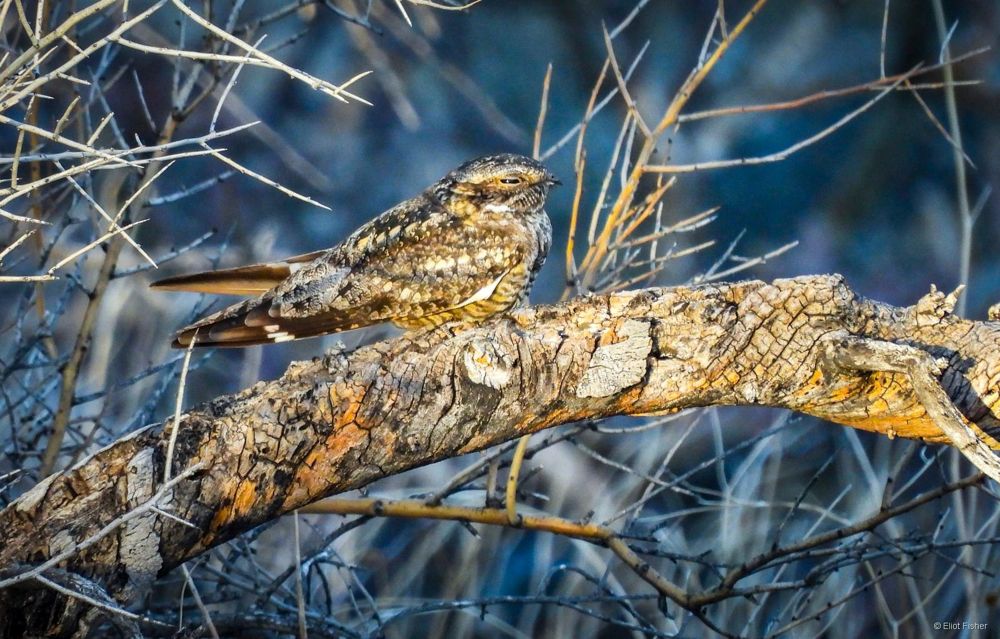
Lesser nighthawkDesert 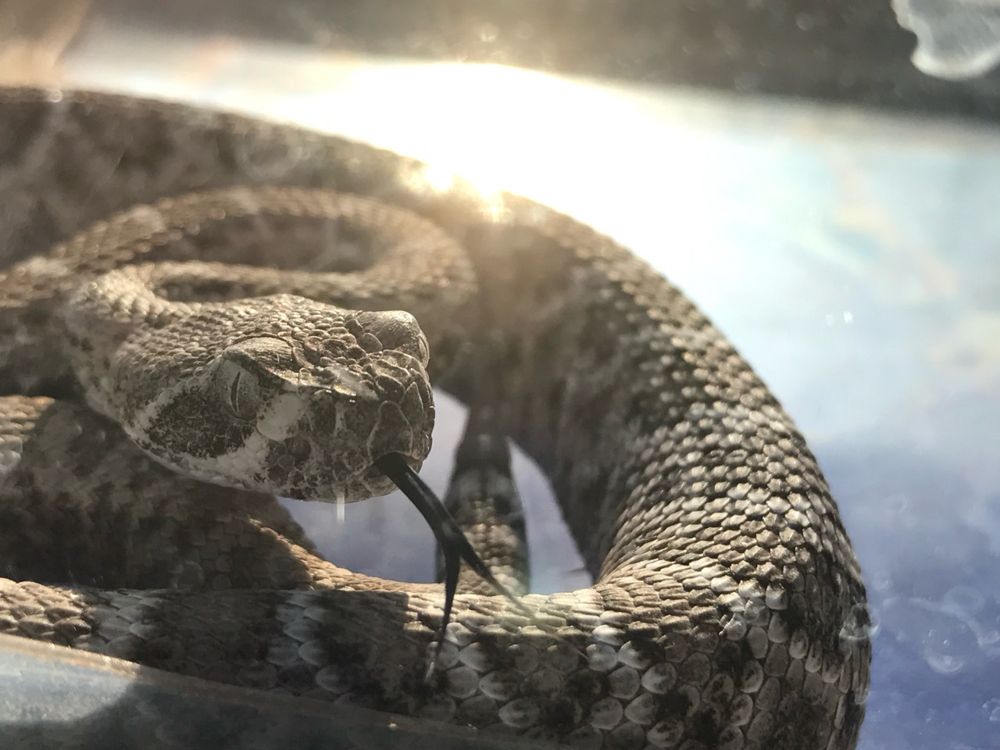
RattlesnakeDesert 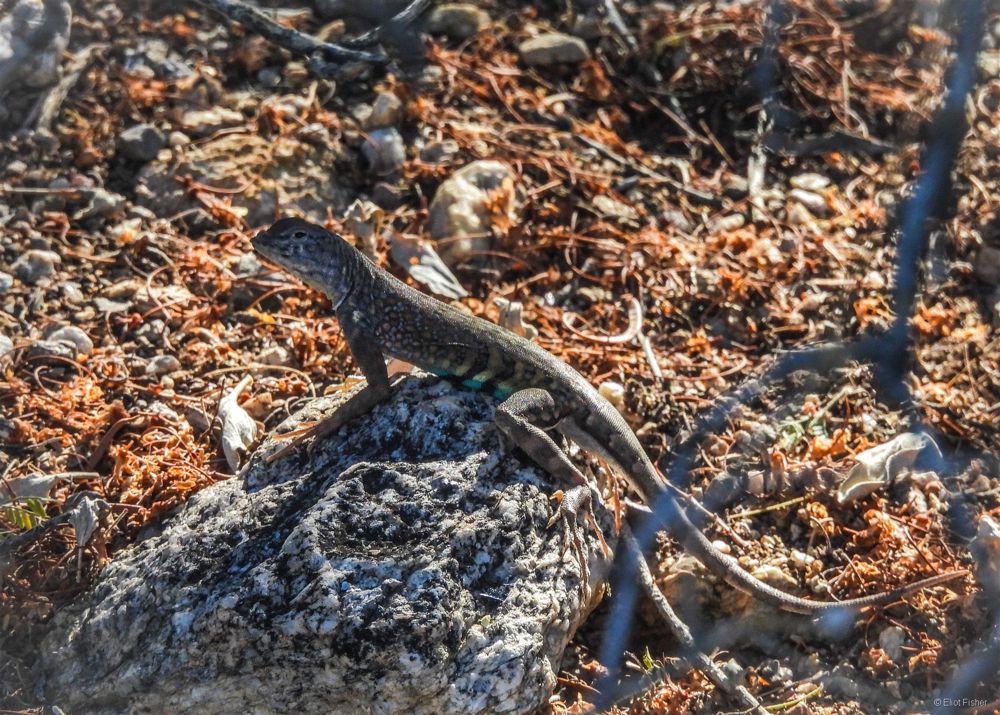
Lizard on rockDesert 
Cooper’s hawkWoodland & garden 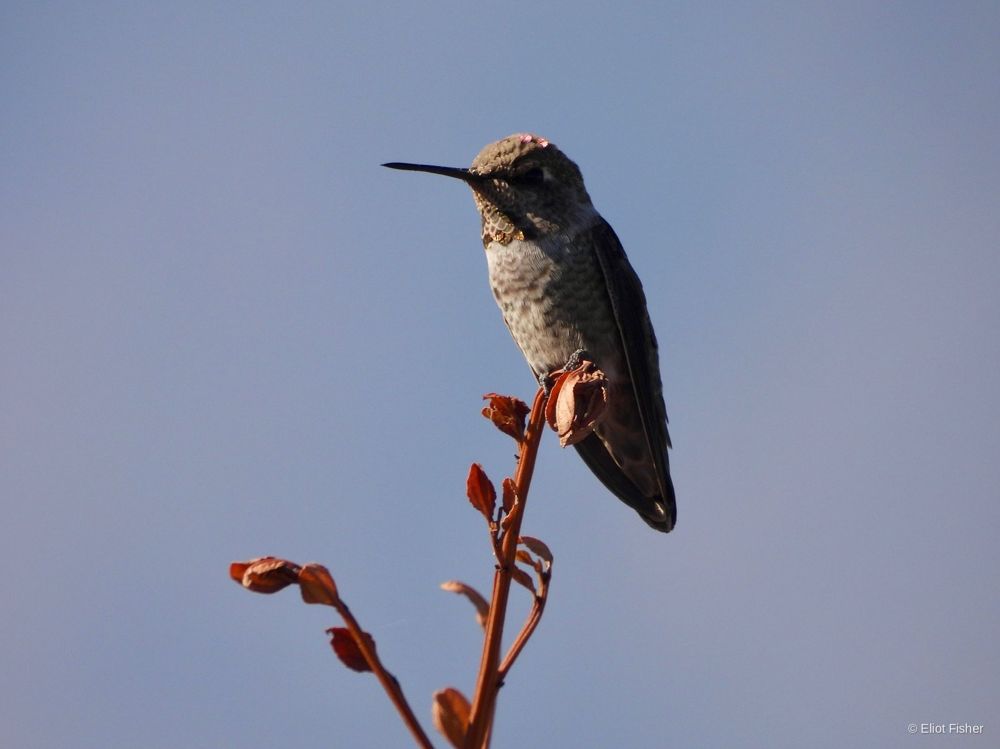
Anna’s hummingbirdWoodland & garden 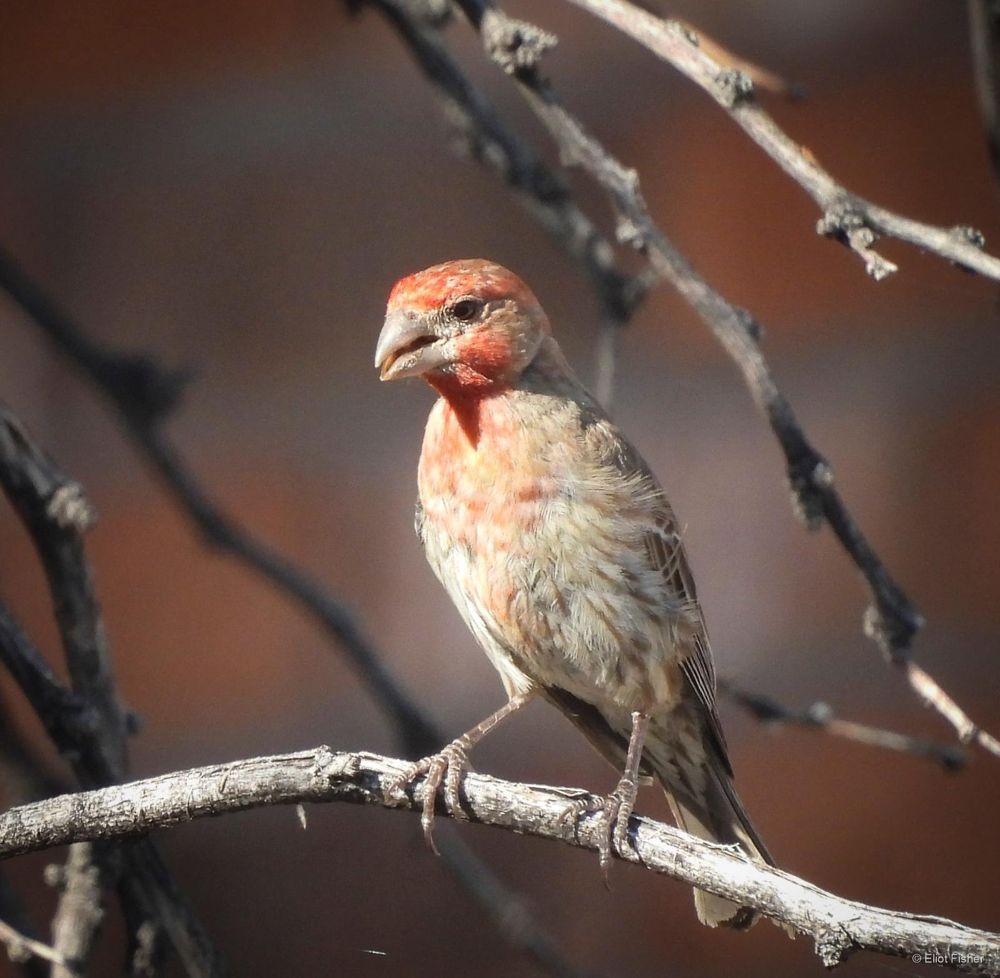
House finchWoodland & garden 
Quail familyWoodland & garden
The design principle
Extraction suggests. The practitioner decides.
AI-assisted extraction can identify information in a management plan, but it does not establish that a placement is right. The current workflow can place extracted items directly into the project. The practitioner checks the resulting content and relationships; some items still need manual placement.
Where it stands
Extraction works; placement is being tested.
The converter works today: it imports the course worksheet and uses AI to pull conservation information out of management plans. Placing that information into a Miradi project automatically is the next thing being tested.
Development notes · October 2026
- Working: importing the Arroyo Hondo course worksheet.
- Working: AI-assisted extraction, tested live on management-plan content.
- Next: test automatic placement on a sample project, checking extraction quality, placement, and export.
- Then: refine the management-plan workflow and write step-by-step instructions.
- Decided: the converter creates a new MiradiShare project from an exported file; check-in to existing projects is no longer being pursued.
See the conservation project behind it on the Arroyo Hondo Watershed page .